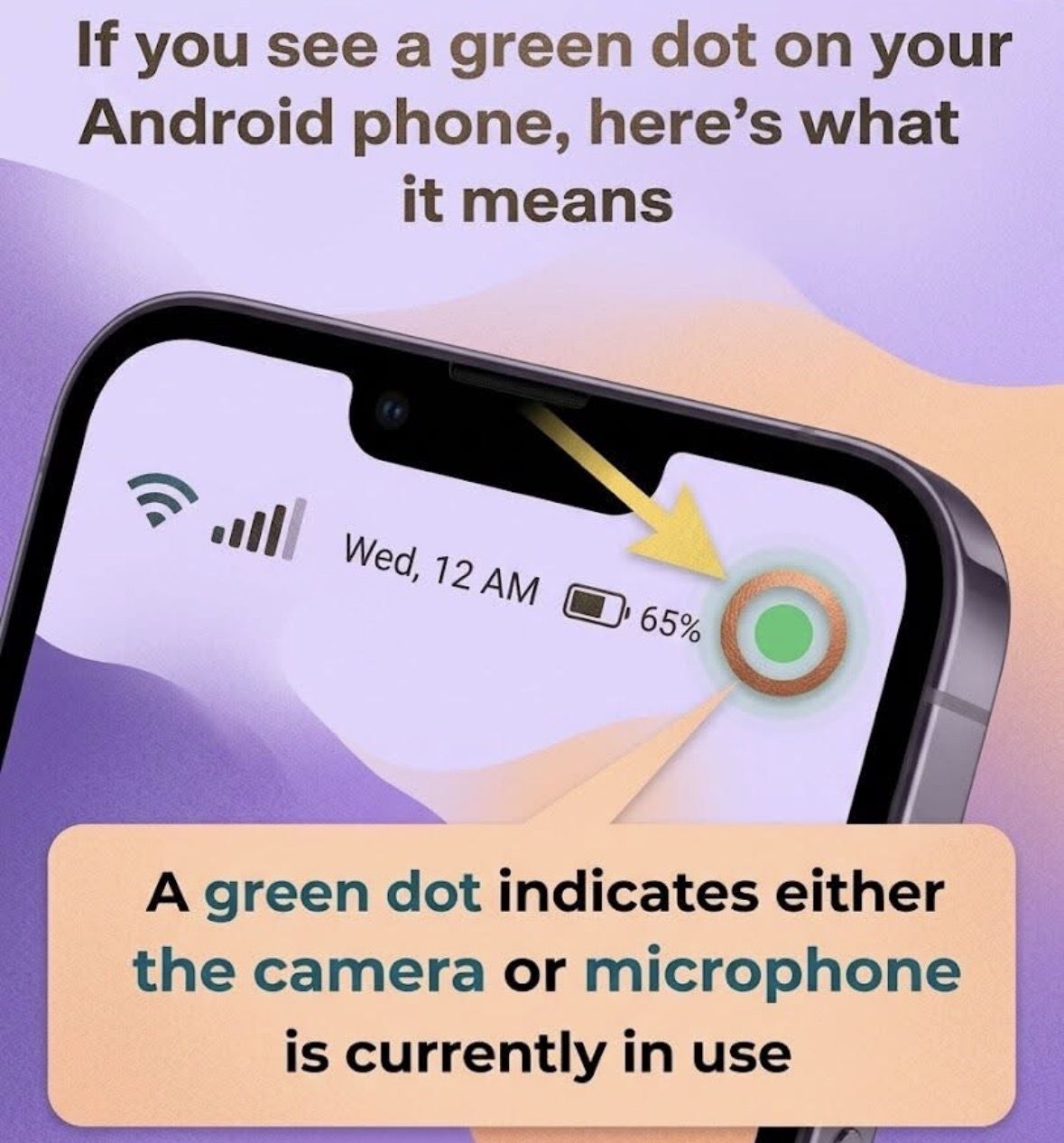
The green dot in the upper-right corner of an Android phone is a built-in privacy indicator designed to keep you informed about how your device is being used. When this small symbol appears, it means that an app is actively accessing sensitive hardware—specifically your camera, your microphone, or both. This feature was introduced in newer versions of Android as part of a broader effort to give users more transparency and control over their personal data. Instead of apps operating silently in the background, the green dot ensures you are always aware when key components of your phone are in use.
In most cases, seeing the green dot is completely normal and expected. For example, if you open an app to make a video call, record a voice message, or take a photo, the indicator will appear automatically. It acts as a confirmation that the app is using the permissions you’ve granted it. Many popular apps—such as messaging platforms, social media apps, or camera tools—require access to these features to function properly. The green dot simply reinforces that this access is happening in real time, helping you stay informed without needing to dig through settings or menus.
However, the indicator becomes more important when it appears unexpectedly. If you notice the green dot while you are not actively using any app that should require your camera or microphone, it may be worth investigating further. While it doesn’t automatically mean something is wrong, it could indicate that an app is running in the background and using permissions you may have forgotten about. In rare cases, it could even signal a misbehaving or overly intrusive app. That’s why this feature is so useful—it gives you a clear visual cue to check what’s happening on your device.
To find out which app is responsible, you can quickly access more details through your phone’s interface. Simply swipe down from the top of the screen to open the notification panel. Near the green dot, you should see an icon or message indicating which feature is in use. Tapping on it will expand the information and reveal exactly which app is currently accessing your camera or microphone. This process is designed to be fast and user-friendly, allowing you to identify the source without any technical expertise. Once you know which app is involved, you can decide whether its behavior is appropriate.
If you determine that an app is using your camera or microphone unnecessarily, you have full control to change that. Navigate to your phone’s Settings, then go to the Privacy or Permissions section. From there, you can review which apps have access to sensitive features and adjust them individually. You can choose to allow access only while using the app, deny it completely, or remove permissions for apps you no longer trust or use. Regularly reviewing these settings is a good habit, as it helps ensure your personal data and privacy remain protected over time.
Overall, the green dot is a simple yet powerful tool that enhances your awareness of how your smartphone operates. It doesn’t interfere with your experience or limit functionality—instead, it empowers you with information. By understanding what the indicator means and how to respond to it, you can use your device with greater confidence and security. In a world where digital privacy is increasingly important, small features like this play a big role in helping users stay informed, make better decisions, and maintain control over their personal technology.